Intelligent classification
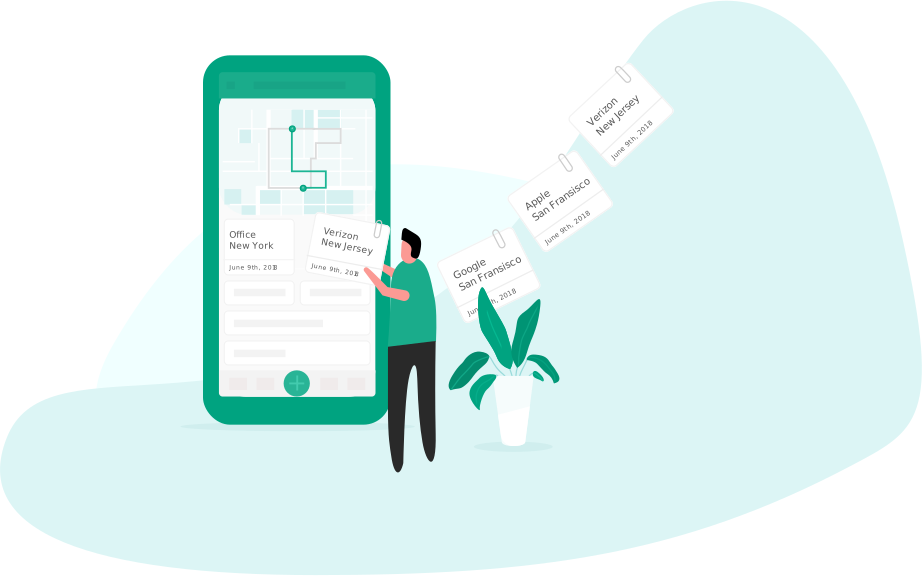
The app seamlessly detects who you visited and suggests the purpose of the trip, while making it easy to correct.
Categorizing your trips
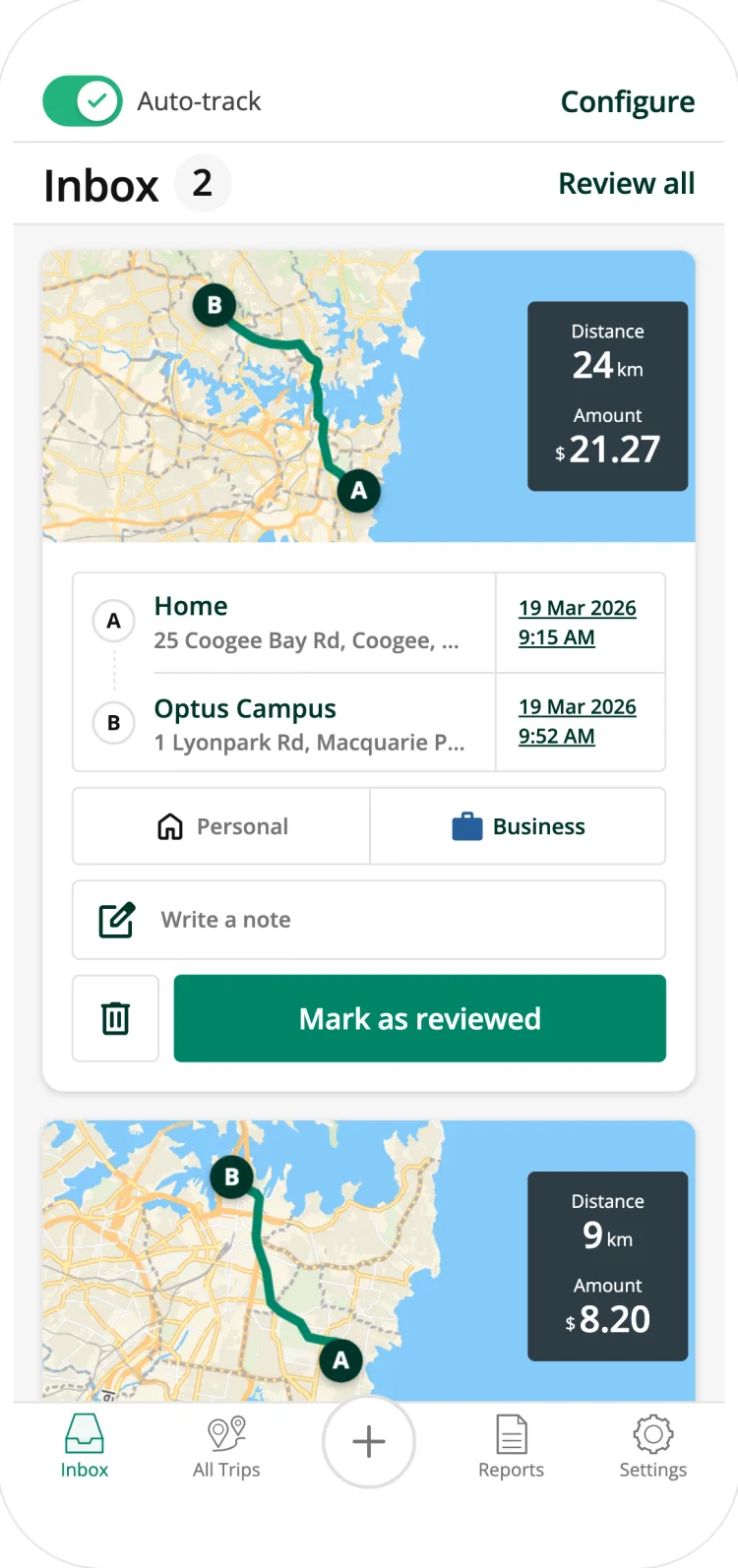
A compliant mileage log requires you to clearly distinguish between business and personal trips. Set your working hours and let Driversnote do it for you - you can always revise it from your phone or the web interface later on.
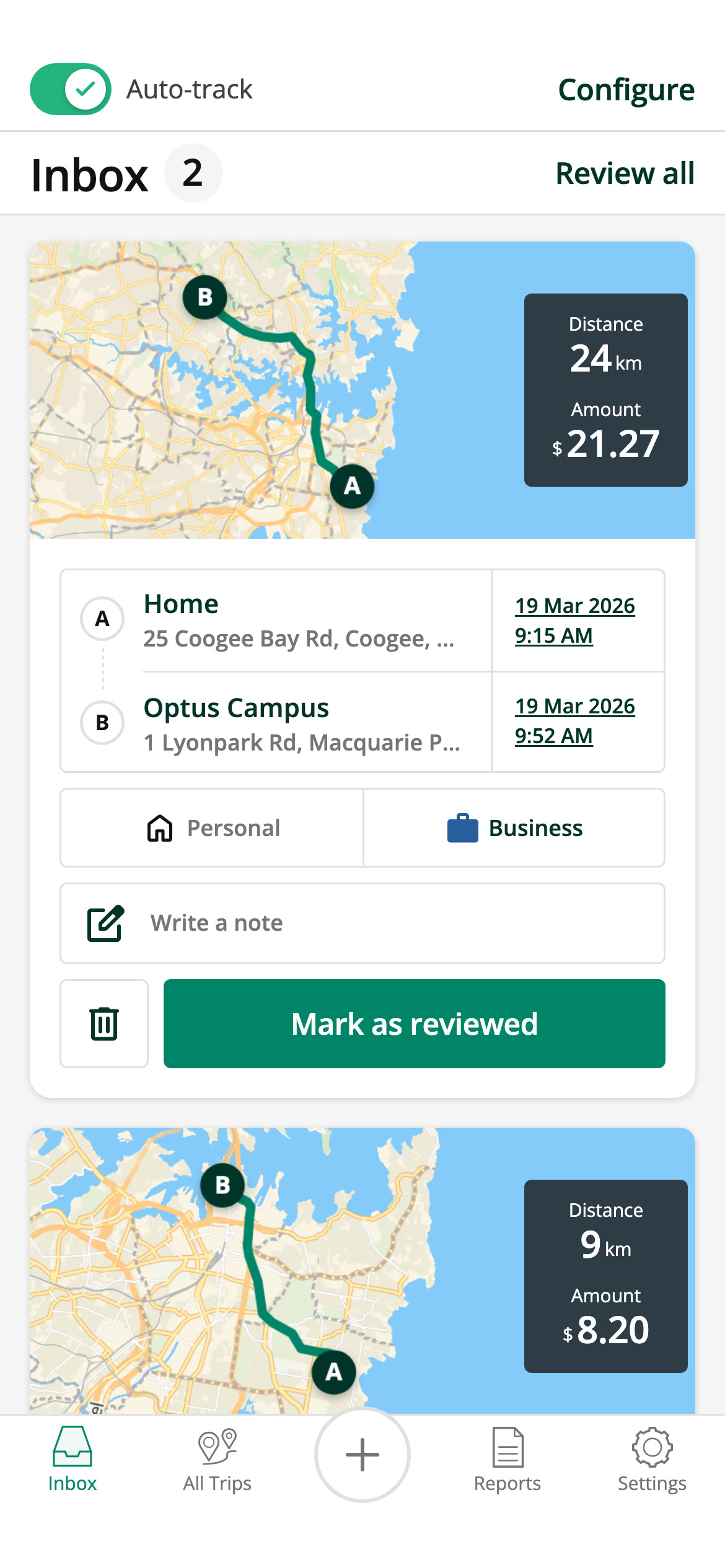
An inbox for your trips
See your most recent trips to revise and approve them one at a time or delete the ones you do not need.
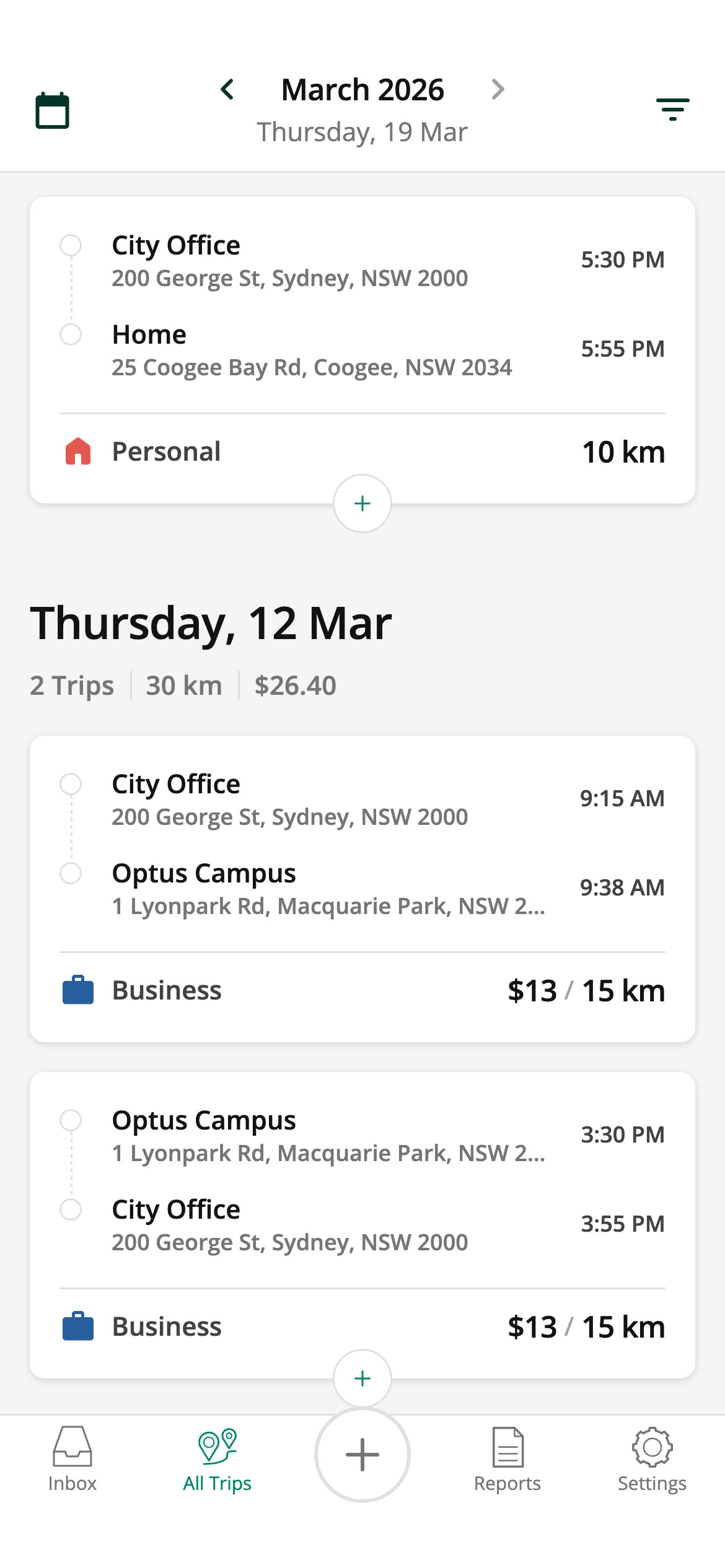
See all your trips
You can browse through all of your trips and quickly add a return trip if you need to.
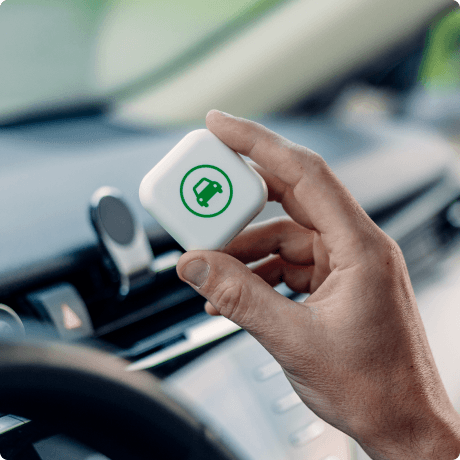
Track on autopilot with an iBeacon
Only track trips with your vehicle with the Driversnote iBeacon. The app will help you classify your trips based on your work hours and previous logs.
Learn more about the iBeaconHandling places
You need to log who you visited. We make this easy for you:
- The app automatically selects previously used locations
- When you drive to a new destination, it suggests companies nearby
- Both the web interface and app let you easily manage your locations